Binary, Bits & Bytes
Binary
A numeral system is a writing system that uses symbols to express numbers.
There are many different numeral systems today. Some of the most popular ones are:
- Unary refers to the base-1 numeral system (1n), which is a way to represent numbers using one symbol (also known as tallying).
- Symbol(s) - 1
- Fourteen Represented - 11111111111111
- Binary refers to the base-2 numeral system (2n), which is a way to represent numbers using two symbols.
- Symbol(s) - 0, 1
- Fourteen Represented - 1110
- Decimal refers to the base-10 numeral system (10n), which is a way to represent numbers using ten symbols.
- Symbol(s) - 0, 1, 2, 3, 4, 5, 6, 7, 8, 9
- Fourteen Represented - 14
- Hexadecimal refers to the base-16 numeral system (16n), which is a way to represent numbers using sixteen symbols.
- Symbol(s) - 0, 1, 2, 3, 4, 5, 6, 7, 8, 9, A, B, C, D, E, F
- Fourteen Represented - E
At the end of the day, unary, binary, decimal, and hexadecimal, are just four different ways to represent the same number, but each one using its own specific symbols.
Bits
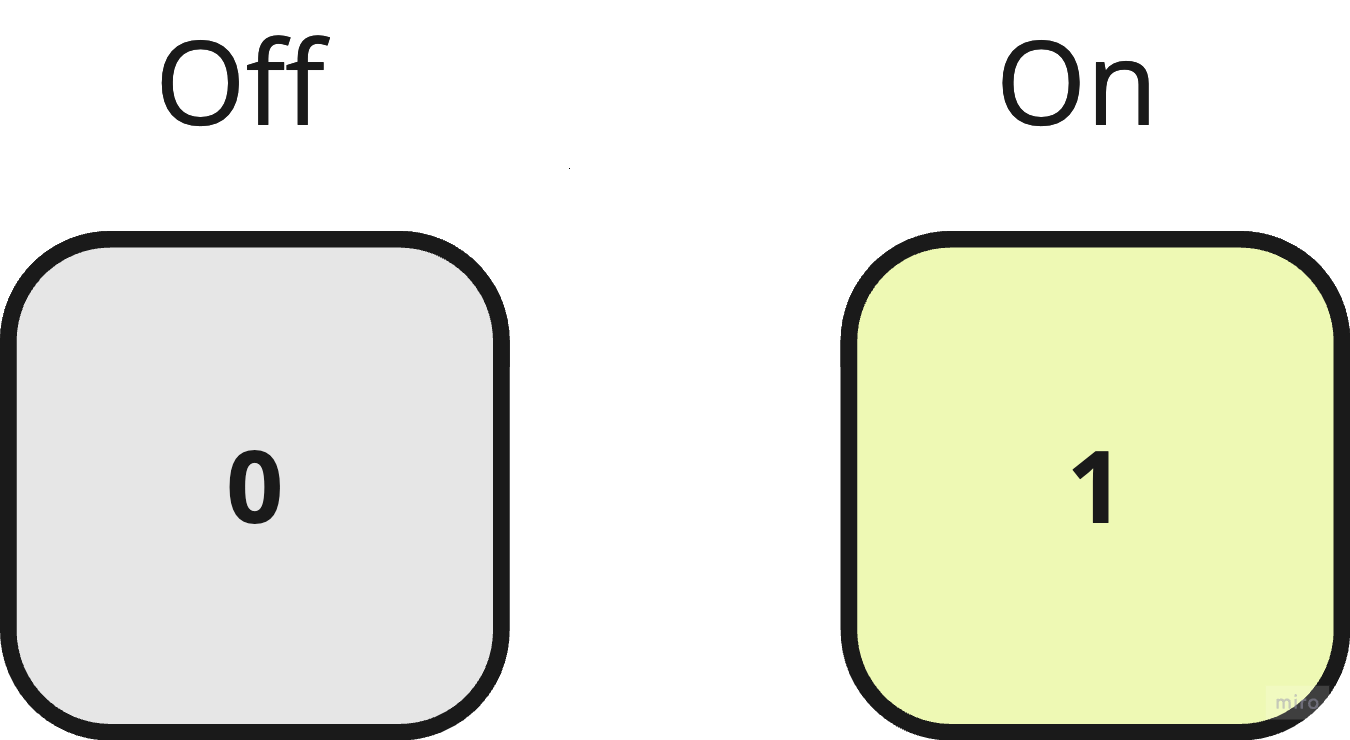
A computer does not understand language or numbers like us humans do. A computer can only understand electrical signals, or the lack of electrical signals (think of an on or off switch). These two states are commonly represented by using the numbers zero (0) for off, and one (1) for on.
In a computer, each of these individual switches is referred to as a bit, which is short for binary digit. Bits are the most basic unit of storing information in computing and digital communication.
If one bit can only have two possible states, how would we represent a number higher than two, like twelve for instance? Well, the answer is pretty simple. All we would need to do is to string together more bits.
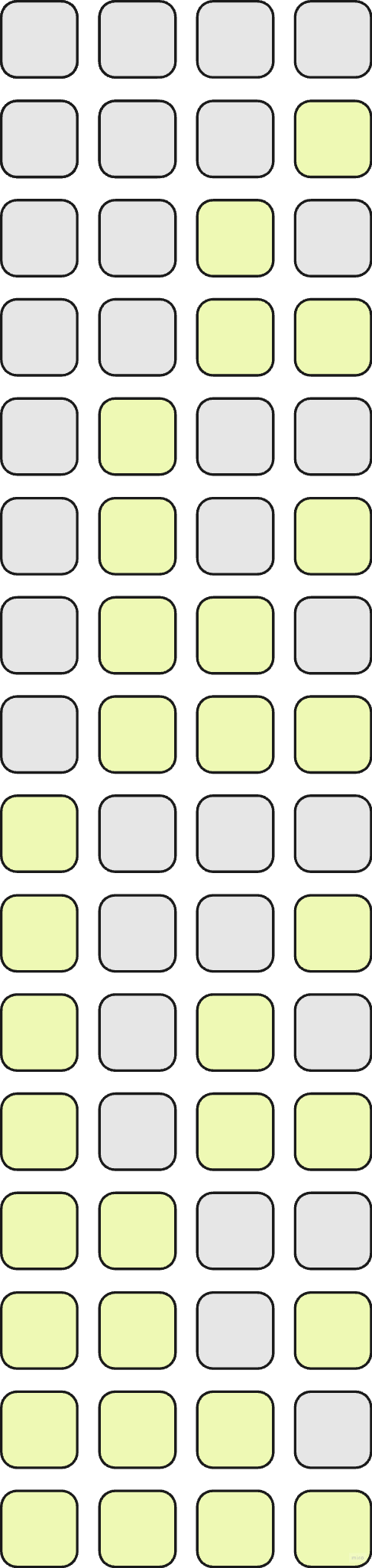
Let's say we string together four bits together. Now, we have four different "switches" that can each be independently turned on or off. How many different states does this produce? The answer is sixteen (2^4), because the order of the bits matter. The total possible number of states represented doubles each time a new bit is added to the bit string - everything can be behind either a bit that is off, or behind a bit that is on.
How many numbers can be represented by a bit string with eight bits (8-bit) or sixteen bits (16-bit)? An 8-bit string can represent 256 different states (2^8), while a 16-bit string can represent 65,536 different states (2^16) - that's a lot of numbers!
Bit String Count & Highest Number Represented:
- 1 bit can represent 2 states (21)
- 2 bits can represent 4 states (22)
- 4 bits can represent 16 states (24)
- 8 bits can represent 256 states (28)
- 16 bits can represent 65,536 states (216)
- 32 bits can represent 4,294,967,296 states (232)
- 64 bits can represent 18,446,744,073,709,551,616 states (264)
- 128 bits can represent 340,282,366,920,938,463,463,374,607,431,768,211,456 states (2128)
One issue with binary is that binary numbers tend to get very long very quickly, making them hard to deal with. Binary maps to hexadecimal really well because two is an even multiple of sixteen. Every eight symbols in binary can be represented by two symbols in hexadecimal (11111111 = 0xFF).
Hexadecimal numbers usually have the prefix "0x" before the number to denote that the number is in hexadecimal. For example, 0xB5 or 0x16B8034F4.
Bytes
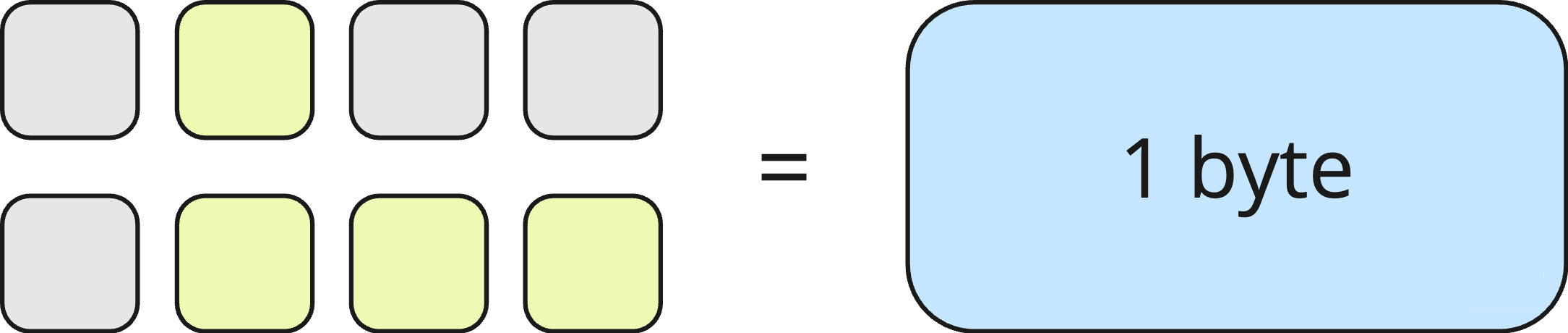
One bit on its own doesn't tell us much. To represent anything with any real meaning, we need to group bits together.
Eight bits grouped together is called a byte. A byte is the smallest addressable unit of digital information in a computer.
A single byte can only represent exactly 256 different values.
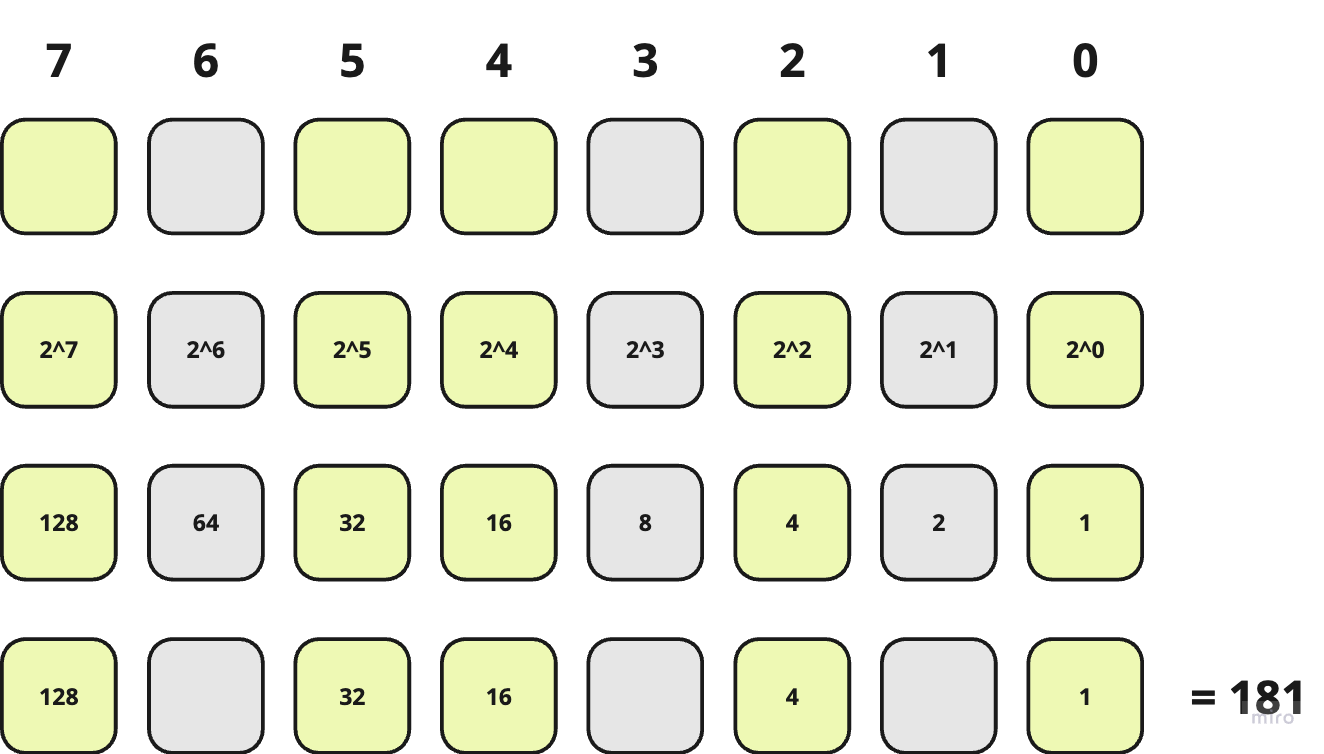
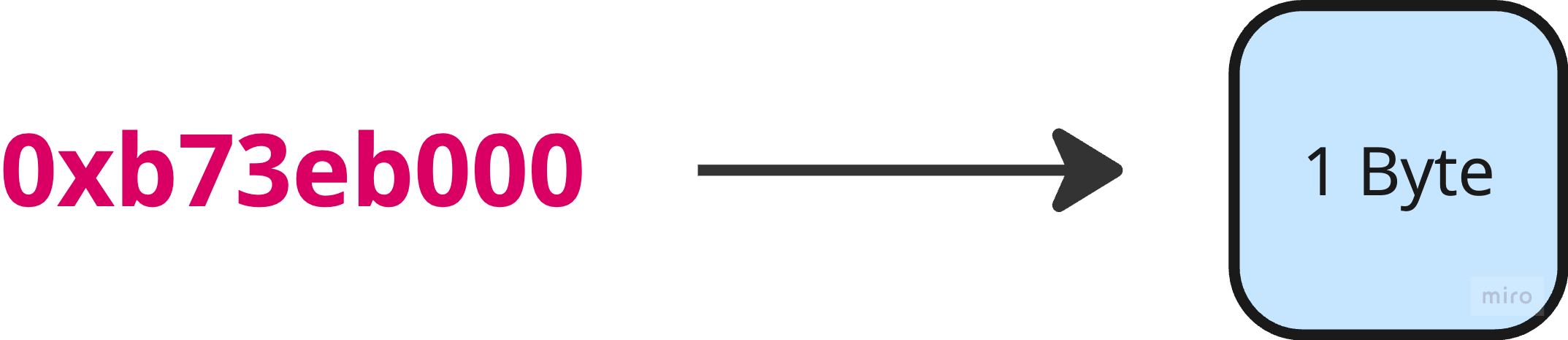
There are a lot of bytes in a computer's memory. Every individual byte has a specific location in memory, which is called the memory address.
Memory addresses are represented in hexadecimal, and look something like 0xb73eb000. Memory addresses are used by both hardware and software to identify specific locations in a computer's memory.
The CPU can write to individual bytes and read from individual bytes using their memory addresses.